
Snow that settles
Flakes build up along the top of every window and the bottom of your screen. Drag a window and it all comes tumbling off. Roll snowballs, stack a snowman, and keep him away from the yeti.
 Amedesk
Download for Mac
For macOS 14 Sonoma and later
Snow that settles on your windows and tumbles off when you move them. Cherry blossoms and autumn leaves that drift and gather. Rain that splashes off every edge. And a few small friends who live along your window tops.
Weekend
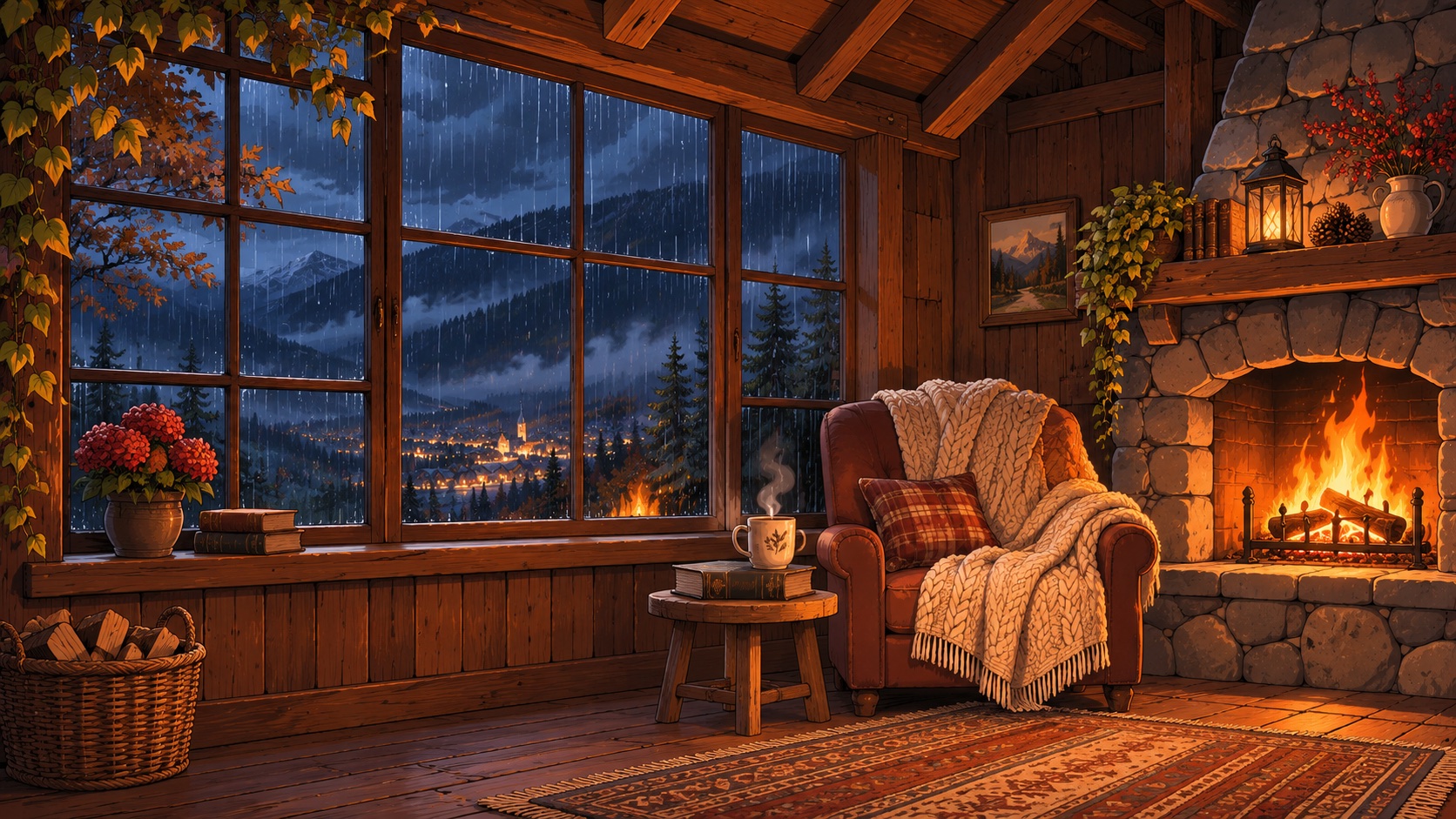
Hot chocolate, firewood, that book I keep meaning to finish.
Drag the window
Apple silicon and Intel · Lives in your menu bar · No permissions to grant
Four seasons
Choose one from the menu bar and change your mind whenever you like.
Flakes build up along the top of every window and the bottom of your screen. Drag a window and it all comes tumbling off. Roll snowballs, stack a snowman, and keep him away from the yeti.


Pink cherry petals flutter down and rest along your windows for a while before they fade, making room for fresh ones. The frog comes out to play, scattering petals wherever it lands.


Maple and oak leaves twirl down and gather in a thin strip on your windows. A squirrel hops between them, snatches the acorns you toss, and dives into the heaps the leaf rake leaves behind.


Streaks of rain lean with the wind and spray off every window edge. A little frog snaps drops out of the air, croaks, and hitches a ride on the paper boats you set afloat.
Wallpapers
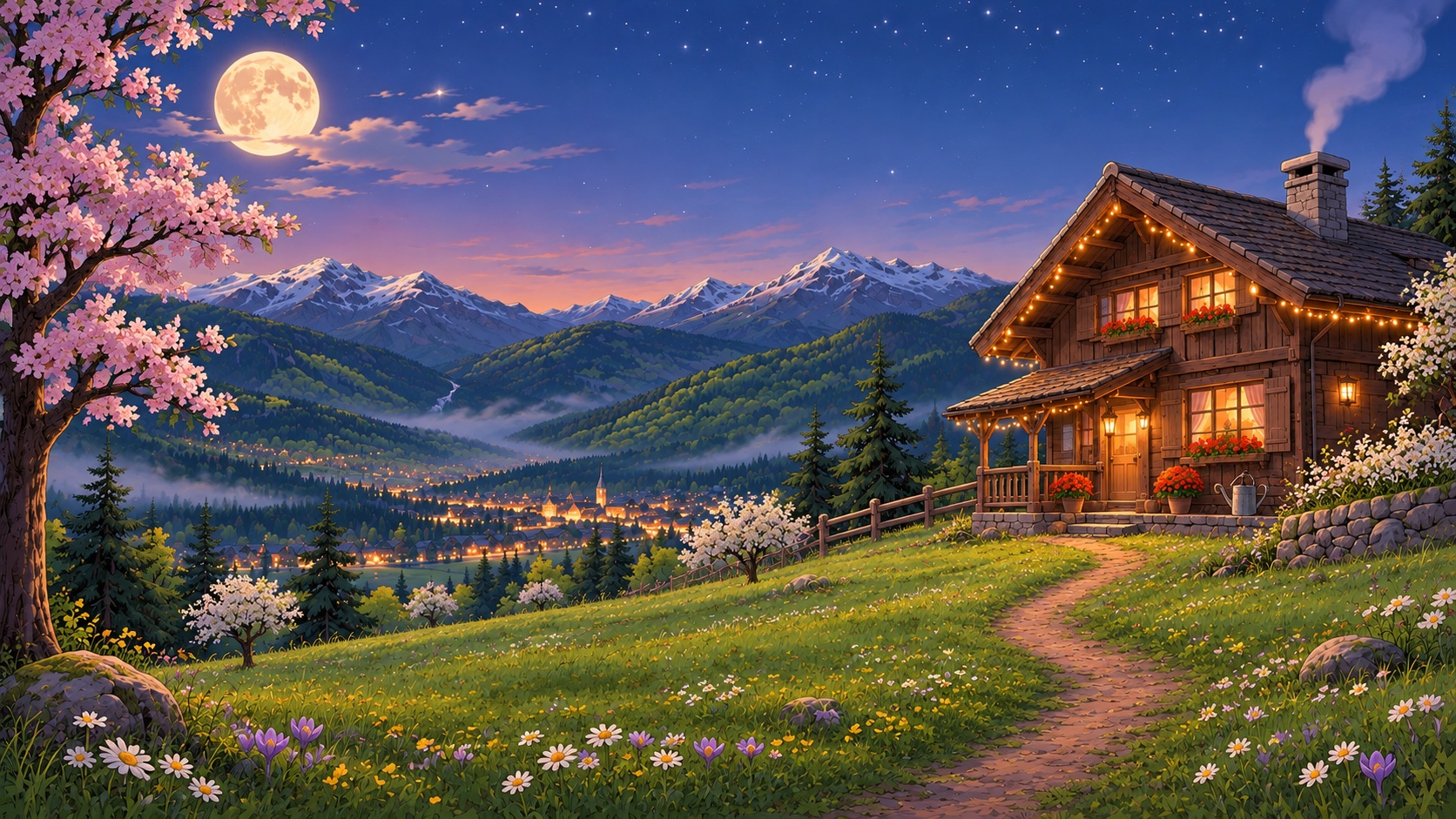
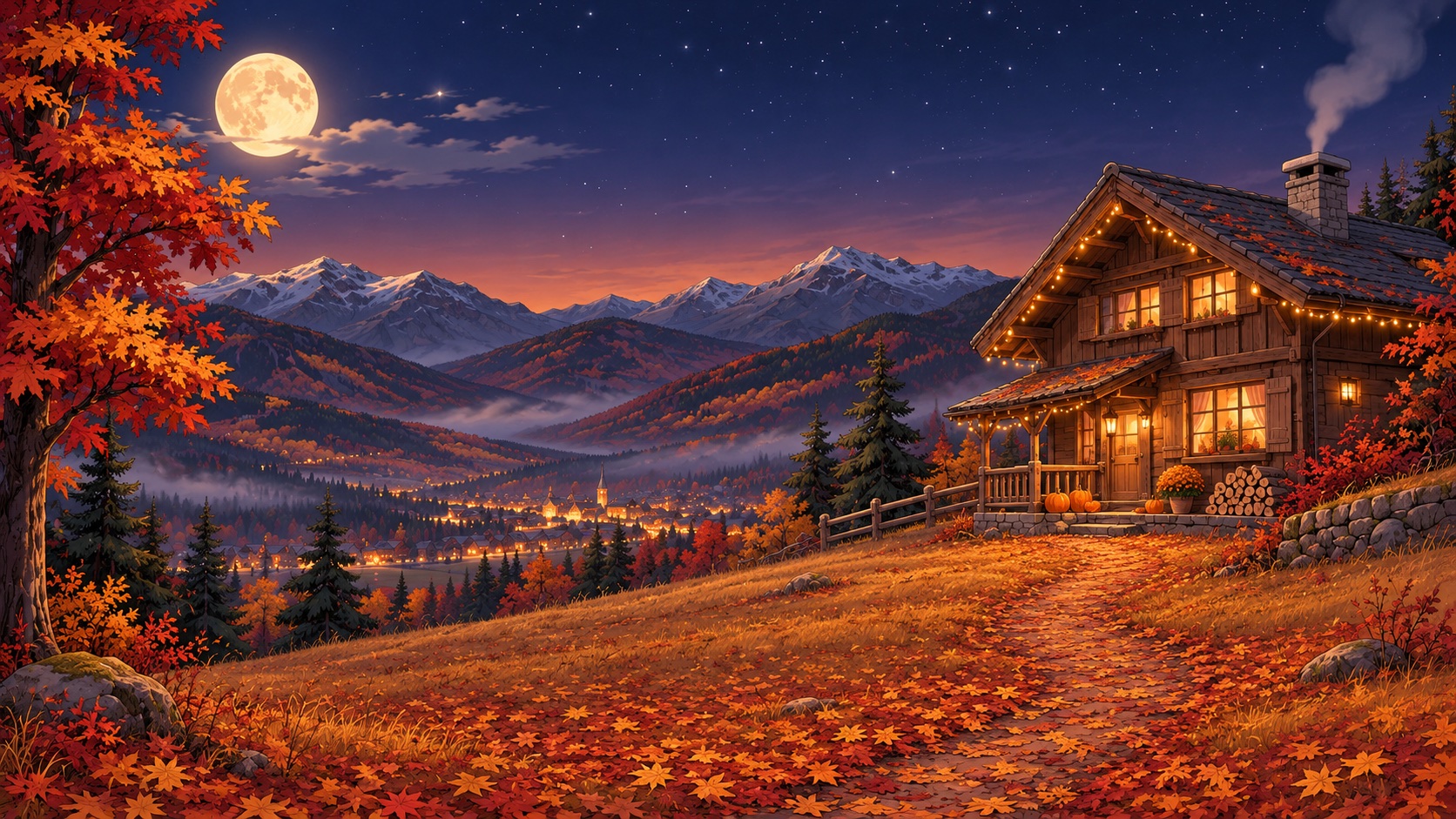
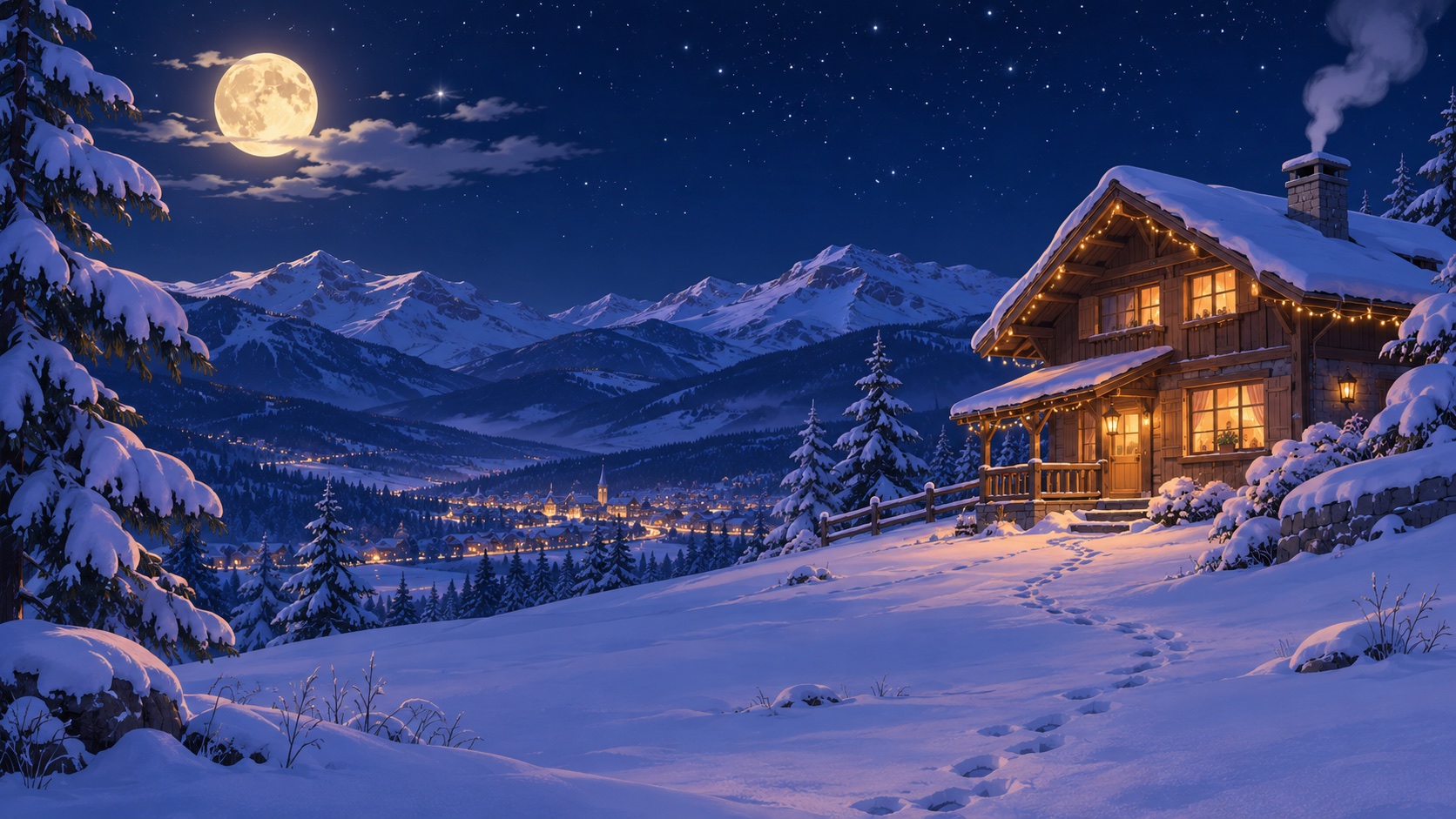
One cabin above a valley town, painted for every season. Pick any of them from the menu bar, or keep your own; the weather works on any wallpaper.
Under the hood
The weather sits on top of your screen but never in the way. Every click lands on whatever is underneath.
It only needs to know where your windows are, never what's in them. Nothing to approve in System Settings.
Drawn on the GPU. It lightens up on battery and in Low Power Mode, and rests while your screen sleeps or an app is full screen.
Snow, leaves or rain on each of your screens, settling on the windows wherever they are.
Prefer the weather on your wallpaper only? One switch keeps it behind your apps while it still settles on their top edges.
Press ⌃⌥S from any app to throw a snowball, toss a handful of petals, an acorn or launch a paper boat, depending on the season.
Getting started
Open the disk image, drag Amedesk into your Applications folder and open it.
The first time, a small window shows you the seasons and the Mountain Chalet wallpapers. One click sets either.
Amedesk waits in the menu bar by the clock as a snowflake, flower, leaf or cloud. Click it to change anything later.
FAQ
No. Everything is drawn on the graphics chip, it uses less on battery and in Low Power Mode, and it pauses while the screen sleeps or a full-screen app is in front.
None. It looks at where your windows are so the weather can land on them, and nothing else. It never records or reads your screen.
Always. Clicks pass straight through the weather. Only the characters can be picked up, and only when you click right on them.
Any Mac with macOS 14 Sonoma or later, Apple silicon or Intel.
Yes. The weather works on any wallpaper. The Mountain Chalet set is there if you'd like one that matches.
Click the icon in the menu bar and choose Winter, Spring, Autumn or Rain, or let it follow the calendar.
Snow in December, leaves in October, rain whenever you need it.
Download for Mac